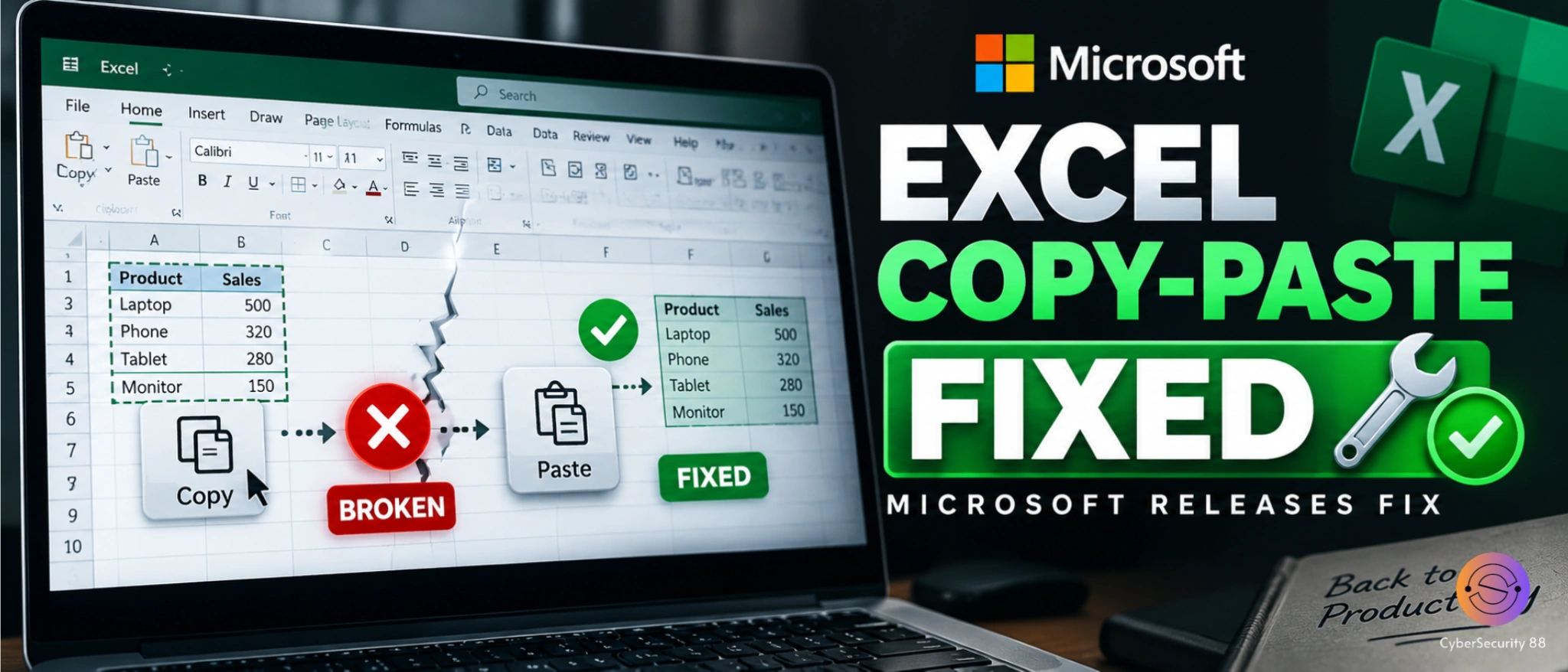
Microsoft has fixed a copy-and-paste problem that affected Excel users after the September 2026 security updates. The issue was linked to the KB5002914 security update and caused paste operations to fail without showing any warning or error. Users reported that copied cells remained selected while the destination cell stayed unchanged. The problem was confirmed by Microsoft after reports appeared on Microsoft Q&A and Reddit.
The problem affected Excel 2016, Excel 2019, Excel 2021 and Excel 2024, with similar behavior also documented for Excel Online in Office Online Server. In some cases, users could not use normal copy and paste, while reports also mentioned problems with autofill and dragging formulas. Microsoft described the paste failure as a silent issue because there was no error message or sound to tell users that the operation had failed. This made the problem particularly confusing for people working with spreadsheets.
Microsoft has now released fixes or mitigations for several affected Office versions. Office LTSC 2024 was fixed in Build 17932.21000, while Office LTSC 2021 was fixed in Build 14334.20918. Office LTSC 2019 was mitigated with Build 10417.20208, and Excel 2016 was mitigated through update KB5002665. Microsoft notes that some scenarios involving conditional formatting can still experience paste failures.
The Excel 2016 fix was specifically released to address the known issue introduced by KB5002914. Microsoft said KB5002665 mitigates the problem for the MSI-based edition of Office 2016, but it does not apply to Office 2016 Click-to-Run editions. Microsoft also warned that certain workbooks using conditional formatting may continue to experience problems. This means the situation is not exactly the same for every Office installation.
For users who still experience the problem, Microsoft recommends using the Paste Special option as a workaround. Users can open the Home tab, select the Paste dropdown and choose Paste Special instead of using the normal paste command. Available options include formulas, formulas with number formats, values, values with number formats and Paste Link. Microsoft says this workaround can help when the normal paste operation fails.
The incident shows how a security update designed to protect software can sometimes introduce unexpected functionality problems. Microsoft has been releasing updates to address the Excel issue, but the exact impact depends on the Office version and build being used. Users should therefore check their installed Office version and make sure the latest applicable update is installed. Anyone still seeing copy-and-paste failures should also check Microsoft’s current support guidance for the affected Excel version.
Stay alert, and keep your security measures updated!
Source: Follow cybersecurity88 on X and LinkedIn for the latest cybersecurity news